Cara Bayar Cukai Taksiran dan Cukai Tanah Online di Johor: Langkah
· Rumah Bumi Johor
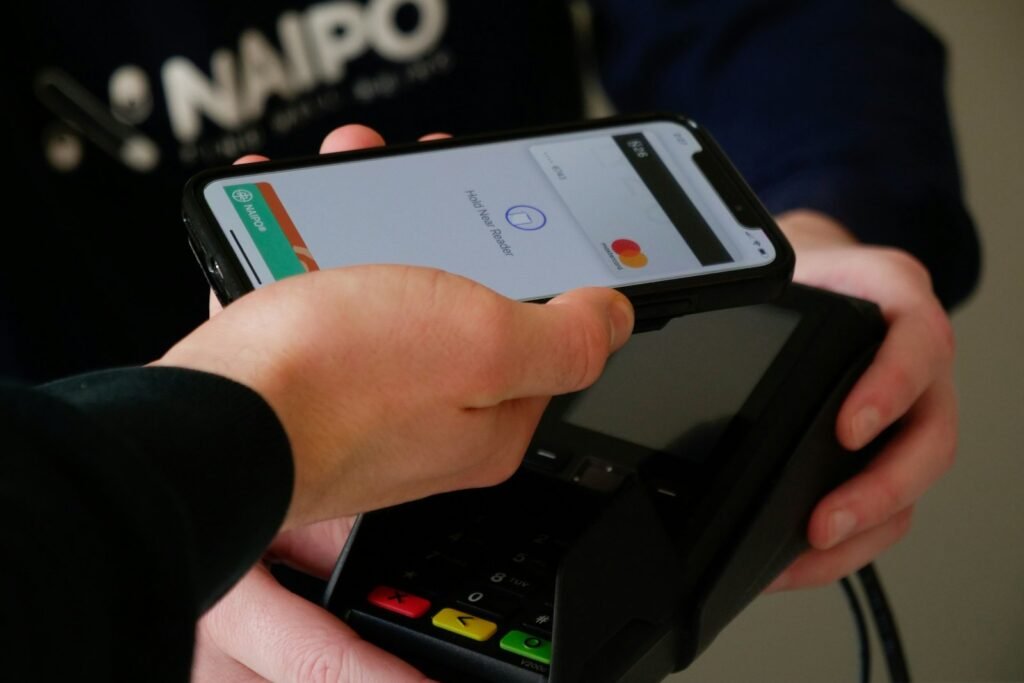
This is a practical, step-by-step guide to paying your two yearly home taxes in Johor online: assessment tax to your local council (shown here with MBJB in Johor Bahru) and quit rent to the state through JOHORPay. You need your bill or account number, your MyKad and a bank account with online banking. Each payment takes about five minutes once you are set up.
Updated 17 Nov 2026. General information, not legal or financial advice. Screens and menus change from time to time, so follow what the portal shows.
Before you start: what to have ready
- Assessment tax: your property tax account number from the MBJB bill, or your address.
- Quit rent: your MyKad number, mobile phone and email to register on JOHORPay, plus the land details on your quit rent bill.
- Payment: online banking for FPX, or a debit or credit card.
- New owner? If the bill is still in the old owner name, register the change of owner with the council first, so future bills come to you.
Option 1: Pay MBJB assessment tax with JomPAY
MBJB lists JomPAY biller code 4317 for property tax only. Most Malaysian banking apps support JomPAY.
- Log in to your bank app or online banking and choose JomPAY.
- Enter biller code 4317. The biller name should show as MBJB. If it does not, stop and check the code.
- Enter your property tax account number as the reference (Ref-1), exactly as printed on the bill.
- Key in the amount for the half you are paying, then confirm with your TAC or app approval.
- Save or screenshot the receipt and note the date.
MBJB also accepts payment through its e-khidmat, PBTPay and JOHORPay portals, several banks online, Pos Online, and its counters. MBJB has not accepted personal and company cheques since 25 Oct 2020.
Need help with your first year as an owner?
Ask us for a simple list of what to pay and when for a home in Johor.
Option 2: Pay quit rent on JOHORPay
JOHORPay is the Johor state online payment portal at johorpay.johor.gov.my. iProperty notes you must create an account before you can check your bill or pay.
- Open the JOHORPay site and click Daftar baru (new registration).
- Choose Individu – Warganegara if you are registering for yourself.
- Fill in your MyKad number, mobile number and email, then submit.
- Verify the account with the TAC code sent to your phone.
- Log in, choose the quit rent payment (bayaran cukai tanah), and find your land using the details on your bill.
- Check that the lot and owner details match your bill before paying.
- Pay by FPX or card and download the receipt.
| Item | Assessment tax (MBJB) | Quit rent (Johor) |
|---|---|---|
| Where to pay online | JomPAY 4317, e-khidmat, PBTPay, JOHORPay, bank portals | JOHORPay |
| What you need | Property tax account number | JOHORPay account and land details |
| Payment methods | Online banking, card, counters | FPX, credit or debit card |
Tips so the payment is not lost
- Pay a few days before the deadline. Bank transfers made late at night or on public holidays may post on the next working day.
- Keep every receipt in one folder. Your lawyer will ask for them if you sell the house later.
- If you live outside Johor Bahru, check your own council, such as MBIP or MBPG, for its biller code and portal.
- Never pay tax through a link sent by a stranger on WhatsApp or SMS. Type the portal address yourself. See how to avoid property scams.
Looking for your next home in Johor?
In new projects with Bumi lots, Bumiputera buyers get a Bumi SPA price 15% lower than the non-Bumi price. Ask us which projects have them.
Common questions
What is the JomPAY biller code for MBJB?
MBJB lists biller code 4317 for property tax.
Do I need to register to pay quit rent on JOHORPay?
Yes. You create an account and verify it with a TAC before you can check and pay your bill.
Can I pay with a credit card?
JOHORPay lists credit and debit cards as well as FPX. For MBJB, bank portals and counters also accept cards.
The JomPAY biller name does not show MBJB. What now?
Stop and check the code on your bill or the MBJB website. Do not pay a biller you do not recognise.
Sources: MBJB, tax assessment; eCentral, JOHORPay guide; iProperty, how to pay quit rent online. General information, not legal or financial advice. Cover photo: naipo.de, Unsplash.
Tinggalkan Balasan